Sending an invoice should be a straightforward part of running a business. Yet a missing detail, confusing payment instruction, or unclear due date can turn a simple payment into a lengthy email exchange.
Whether you're a freelancer billing your first client, a consultant managing several projects, or a small business owner selling products and services, knowing how to create a professional invoice can help you look organized, avoid misunderstandings, and make it easier for customers to pay.
The good news is that you don't need a complicated system to get started. You need a consistent process and an invoice that answers your client's most important questions.
What Is a Professional Invoice?
An invoice is a document a seller sends to a customer requesting payment for goods or services provided, or for an agreed payment milestone.
It typically identifies the seller and customer, describes what is being billed, shows the amount due, and explains when and how payment should be made.
A professional invoice isn't necessarily one with an elaborate design. It's one that is accurate, complete, easy to read, and easy to act on.
Invoices also serve another important purpose: they create a record of your business activity. Keeping copies of issued invoices helps you track sales, monitor unpaid amounts, reconcile payments, and prepare financial records.
What Should a Professional Invoice Include?
The exact legal requirements for an invoice depend on where your business operates and the type of transaction. However, most business invoices benefit from the following details.
1. Your business name and contact information
Include the name you use to conduct business, along with appropriate contact details such as your business email address, phone number, or mailing address.
If you operate under a registered business name, use it consistently across your invoices and other business records.
A logo can make your invoice recognizable, but it is optional. Clear business identification matters more than decorative branding.
2. Your customer's details
Identify the person or organization responsible for paying the invoice.
Depending on the client, this might include:
Customer or company name
Billing address
Contact person or department
Purchase order number, if required
Project or account reference
For business clients, ask whether invoices must be sent to a particular billing email address or accounts payable department.
3. A unique invoice number
Give each invoice a unique identifier.
A simple numbering system might look like this:
INV-001
INV-002
INV-003
You could also use a year-based system, such as 2026-001, provided you apply it consistently and avoid duplicates.
Invoice numbers make it easier to find documents, match payments, discuss billing questions, and identify outstanding invoices.
4. The invoice date
The invoice date tells the customer when the document was issued.
It also provides a reference point for your records and, when applicable, for calculating a due date based on agreed payment terms.
Avoid backdating invoices merely to make a payment appear overdue. Use dates that accurately reflect the transaction and your billing arrangements.
5. A clear description of products or services
Your customer should be able to recognize what they're paying for without having to ask.
Instead of writing:
"Consulting services — $900"
Consider:
"Website content strategy consultation — three sessions at $300 each"
Depending on your business, useful details include the service period, quantity, unit price, hourly rate, project name, or delivery milestone.
The goal is to make each charge understandable and easy to verify.
6. The subtotal, applicable taxes, and total
Show the calculation clearly.
For example:
| Description | Quantity | Rate | Amount |
|---|---|---|---|
| Website consultation | 3 hours | $100 | $300 |
| Content review | 2 hours | $75 | $150 |
| Subtotal | $450 | ||
| Tax (illustrative 5%) | $22.50 | ||
| Total due | $472.50 |
The tax rate above is only an illustration, not a recommendation to charge 5% tax. Whether tax applies, which rate to use, and what information must appear on the invoice depend on the transaction and the relevant jurisdiction.
If a discount, deposit, credit, or previous payment affects the balance, show it separately so the customer can see how you arrived at the final amount.
Also identify the currency, particularly when working with international clients.
7. The payment due date
A due date gives the customer a specific deadline.
For example:
Invoice date: January 10, 2026
Payment due: January 24, 2026
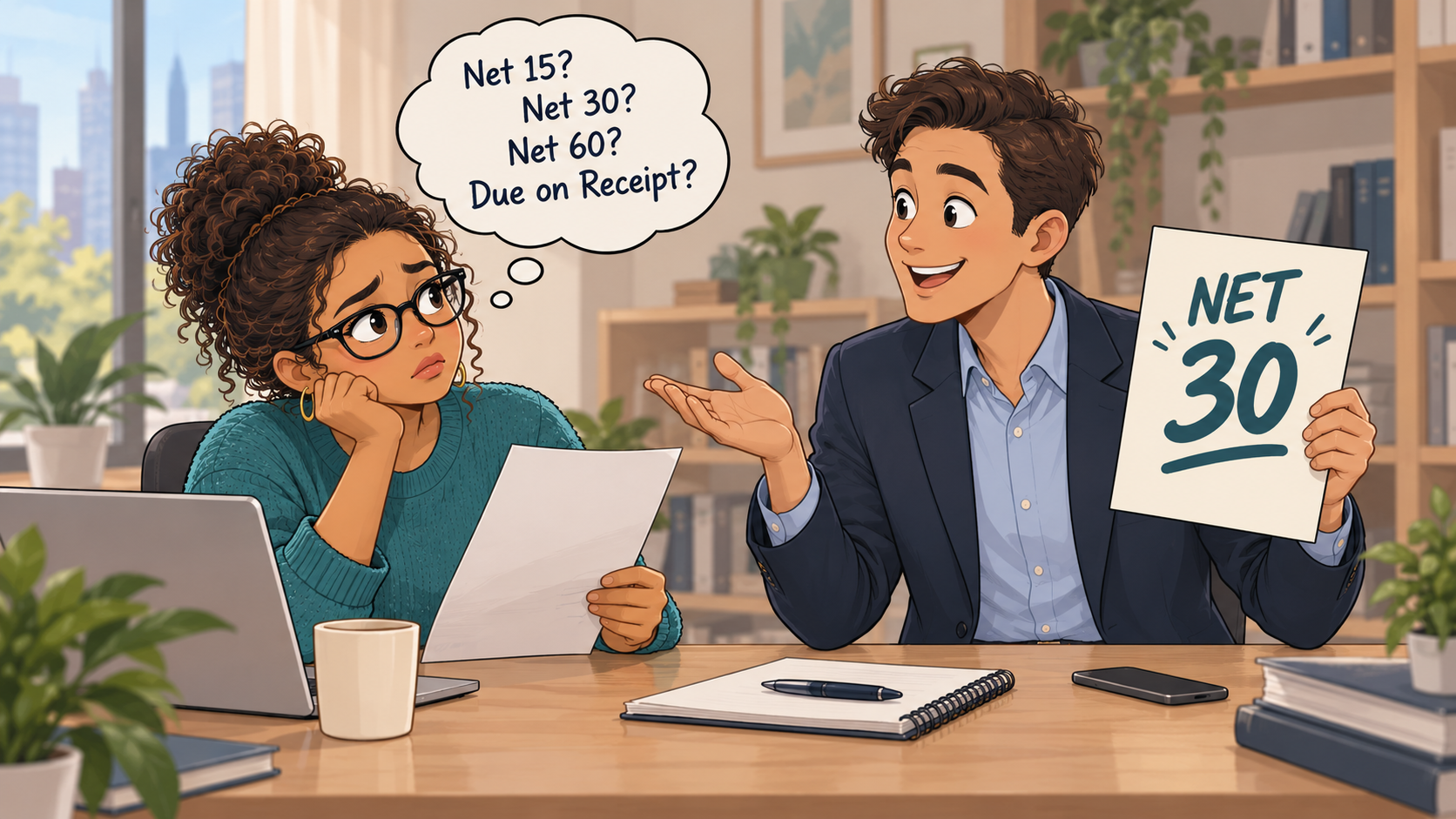
Some businesses use payment terms such as Net 15 or Net 30, while others require a deposit, payment on receipt, or payment at a project milestone.
The important point is to agree on the terms in advance and make the due date unambiguous on the invoice.
8. Payment methods and instructions
Tell customers exactly how they can pay.
Depending on your business, options may include bank transfer, credit or debit card, an online payment link, or another supported payment method.
Provide the information needed to complete the payment securely. Avoid placing sensitive banking credentials or unnecessary personal information on invoices.
If a customer must include the invoice number as a payment reference, say so.
9. Any necessary notes or references
Use a short notes section for information that genuinely helps the customer, such as:
An agreed project reference
A purchase order number
A brief description of a completed milestone
A polite reminder to include the invoice number when paying
Keep this section concise. An invoice shouldn't require a customer to read several paragraphs before finding the amount due.
How to Create a Professional Invoice in 7 Steps
Once you know what belongs on an invoice, creating one becomes a repeatable process.
Step 1: Confirm the billing details
Before preparing the invoice, check the customer's billing name, email address, and any purchase order or project reference they require.
For a new business client, ask whether their accounts payable team has a preferred submission process.
Step 2: Choose a consistent invoice format
You can create an invoice using a template, spreadsheet, document, or invoicing software.
Whichever method you choose, keep the layout consistent. Customers should be able to locate your business details, invoice number, amount due, and payment instructions quickly.
Step 3: Add the products or services
List what you're billing for using descriptions the customer will recognize.
Check quantities, rates, project milestones, and any agreed discounts against your contract, quote, or other written agreement.
Step 4: Calculate the amount owed
Add the line items, apply any valid discounts, calculate applicable taxes, and subtract deposits or previous payments where relevant.
Review the final total carefully. Even a small arithmetic error can delay approval.
Step 5: Set the agreed due date
Use the payment terms established with the customer.
Don't assume a customer understands your usual terms if they were never communicated. A written agreement, accepted estimate, or confirmed project email can help prevent disputes.
Step 6: Add a convenient way to pay
Where practical, give customers a secure, straightforward payment option.
A clearly labelled payment link can reduce the steps required to settle an invoice. If you're using bank transfers, provide the necessary payment instructions and any reference information.
Step 7: Review, send, and save the invoice
Before sending, check:
Is the invoice addressed to the correct customer?
Is the invoice number unique?
Are the services, quantities, and prices accurate?
Are taxes and totals correct?
Is the payment due date visible?
Do the payment instructions work?
Have you included any required legal or tax details?
Send the invoice to the correct billing contact and retain a copy for your records.
Example of a Simple Professional Invoice
Imagine you're a freelance graphic designer who has completed a branding project for a small business.
Your invoice might contain the following information:
From: Northline Creative Studio
Bill to: Greenfield Coffee Co.
Invoice number: INV-2026-014
Invoice date: January 10, 2026
Due date: January 24, 2026
Currency: CAD
| Description | Quantity | Unit price | Amount |
|---|---|---|---|
| Brand discovery session | 1 | $250 | $250 |
| Logo design package | 1 | $850 | $850 |
| Social media brand templates | 1 | $300 | $300 |
| Subtotal | $1,400 | ||
| Tax | Calculated if applicable | ||
| Amount due before applicable tax | $1,400 |
Payment instructions: Pay using the secure payment link provided with the invoice. Include invoice number INV-2026-014 in any payment correspondence.
Note: Thank you for working with Northline Creative Studio.
This example illustrates the structure of an invoice. A real invoice must show the correct tax treatment and final amount payable rather than leaving applicable tax uncalculated.
How to Make Your Invoices Easier to Pay
A complete invoice is the starting point. A few additional habits can help reduce avoidable payment delays.
Send invoices promptly
When your agreement calls for payment after delivery or completion, send the invoice promptly once the work is ready to bill.
Waiting several weeks may make it harder for the customer to match the invoice to the completed work.
For longer projects, consider agreeing on milestone billing or deposits before the work begins.
Make the amount and due date easy to find
Don't bury the amount due inside a crowded table or a long notes section.
Use clear labels such as Total Due and Payment Due Date so the customer can find the essential information at a glance.
Offer convenient payment options
Different customers have different payment processes.
Where appropriate, offering a secure online payment option alongside another accepted method can make payment more convenient.
Before choosing a payment provider, consider processing fees, supported currencies, settlement times, and how refunds or disputes are handled.
Confirm the right person receives the invoice
The person who approves your work may not be the person who pays your invoice.
For business customers, sending invoices directly to the designated billing contact can prevent unnecessary delays.
Follow up professionally
If an invoice becomes overdue, a polite reminder can help bring it back to the customer's attention.
Start by confirming that the invoice was received and whether any information is missing.
Keep the tone factual and courteous. Escalation procedures, late fees, and collection steps should follow your agreement and applicable law.
Common Invoice Mistakes to Avoid
Even experienced business owners occasionally make invoicing mistakes. The key is to catch them before they create confusion.
Missing or vague descriptions
A line item labelled only "services" may not provide enough information for a customer to approve payment.
Describe the work in a way that connects to the agreed project or purchase.
Incorrect customer information
A misspelled business name, outdated billing email, or missing purchase order reference can send an invoice into the wrong approval process.
Confirm billing details before issuing the invoice.
Unclear payment deadlines
Terms such as "pay soon" or "at your earliest convenience" don't establish a clear deadline.
State the agreed payment date.
Incorrect taxes
Don't add sales tax automatically without checking whether you're required or permitted to charge it.
Tax obligations vary by country, region, registration status, and type of sale.
Duplicate invoice numbers
Reusing invoice numbers can create confusion when reconciling customer payments.
Use a reliable numbering system and retain a record of invoices already issued.
Forgetting to track outstanding invoices
Sending an invoice is only part of the process.
Record whether it has been sent, viewed if your system supports that feature, partially paid, fully paid, or overdue.
That visibility helps you understand what customers still owe.
Should You Use an Invoice Template or Invoicing Software?
Both can work. The right choice depends on how frequently you invoice and how much administrative work you want to manage manually.
An invoice template can be sufficient when you send only a few invoices and are comfortable tracking payment status yourself.
Invoicing software becomes more useful as your business grows. Depending on the product, it may help you:
Create invoices with consistent formatting
Generate unique invoice numbers
Send invoices to customers
Share secure payment links
Track unpaid and overdue invoices
Record payments
Keep invoice histories in one place
Create recurring invoices
Consider the overall workflow, not just the appearance of the invoice. A tool that saves a few minutes on each invoice can become valuable when you're managing many customers.
Invoice Questions You Were Probably About to Google
Can I create an invoice without registering a company?
In many jurisdictions, individuals and sole proprietors can issue invoices without incorporating a company. However, local business registration, licensing, tax, and invoicing requirements may still apply.
Does an invoice need a business logo?
No, a logo isn't generally essential to the purpose of an invoice. Accurate business identification and required transaction details matter more. Some jurisdictions or transactions may have specific presentation requirements.
Should I send an invoice before or after completing the work?
That depends on your agreement. Some businesses invoice after delivery, while others request deposits, advance payments, or milestone payments. Make the arrangement clear before work begins.
What is the difference between an invoice and a receipt?
An invoice requests or records an amount payable. A receipt generally acknowledges that payment has been received. If a customer has already paid, your records should clearly reflect that payment.
Can I send an invoice as a PDF?
Yes. PDF invoices are widely used because they preserve formatting across devices. Some customers also accept invoices through online portals or structured electronic invoicing systems.
What happens if a client doesn't pay an invoice on time?
Start by confirming the invoice was received and checking whether the customer has raised a question or dispute. Follow your agreed reminder process and consider applicable contract terms and local laws before adding fees or pursuing collections.
Do I need to charge tax on every invoice?
Not necessarily. Tax treatment depends on factors such as your location, registration status, the customer's location, and what you're selling. Check the applicable rules rather than assuming every invoice needs sales tax.
Final Thoughts
Creating a professional invoice doesn't have to be complicated. The most useful invoices are clear about who is billing whom, what was supplied, how the total was calculated, when payment is due, and how payment can be made.
Start with a consistent format, double-check the details, and keep track of each invoice after sending it.
A good invoice won't guarantee that every customer pays on time, but it can remove many of the avoidable obstacles between finishing your work and receiving payment.